Prompt Garden
Prompt engineering felt like writing in the dark. I needed a visual way to think.
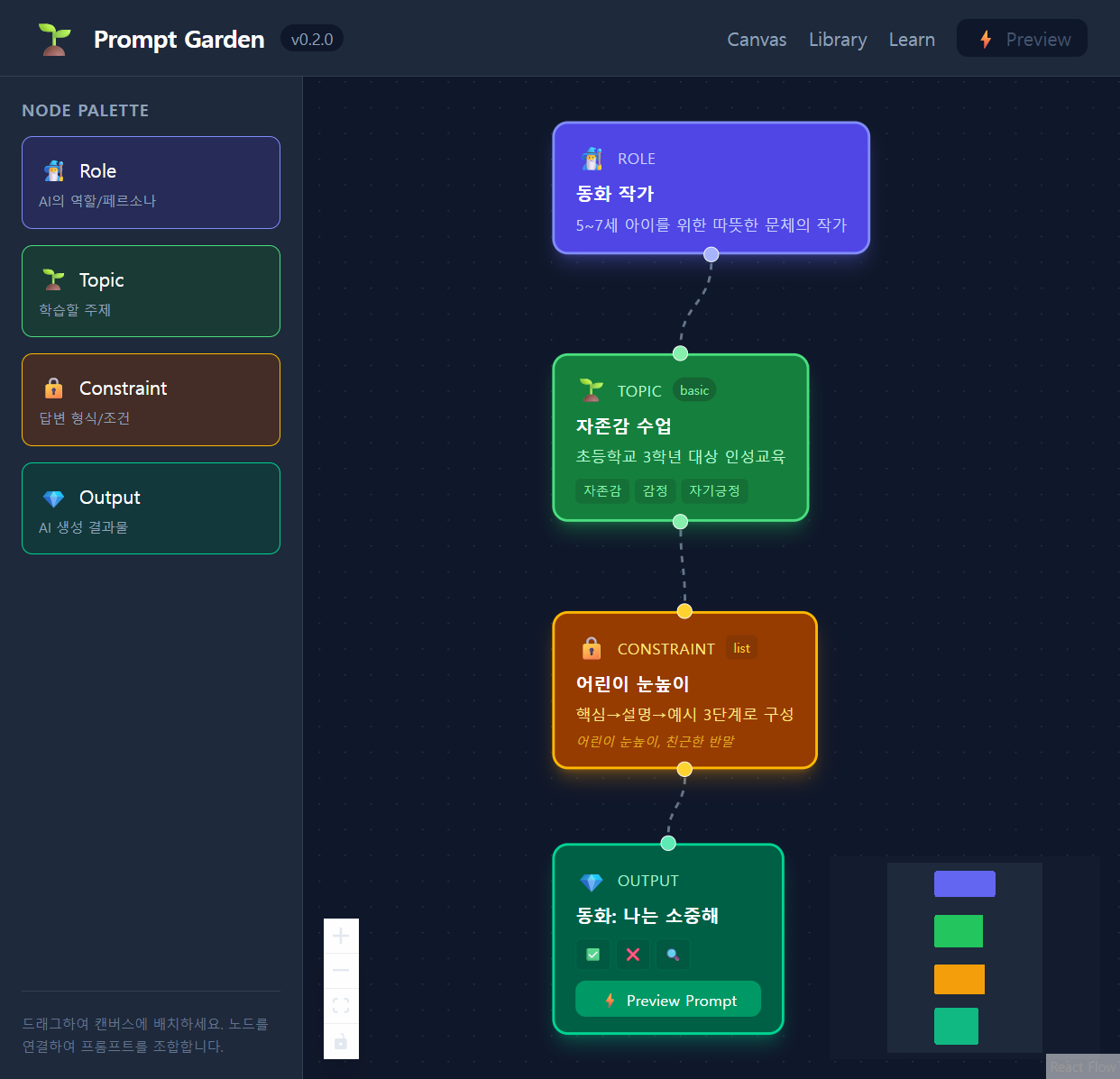
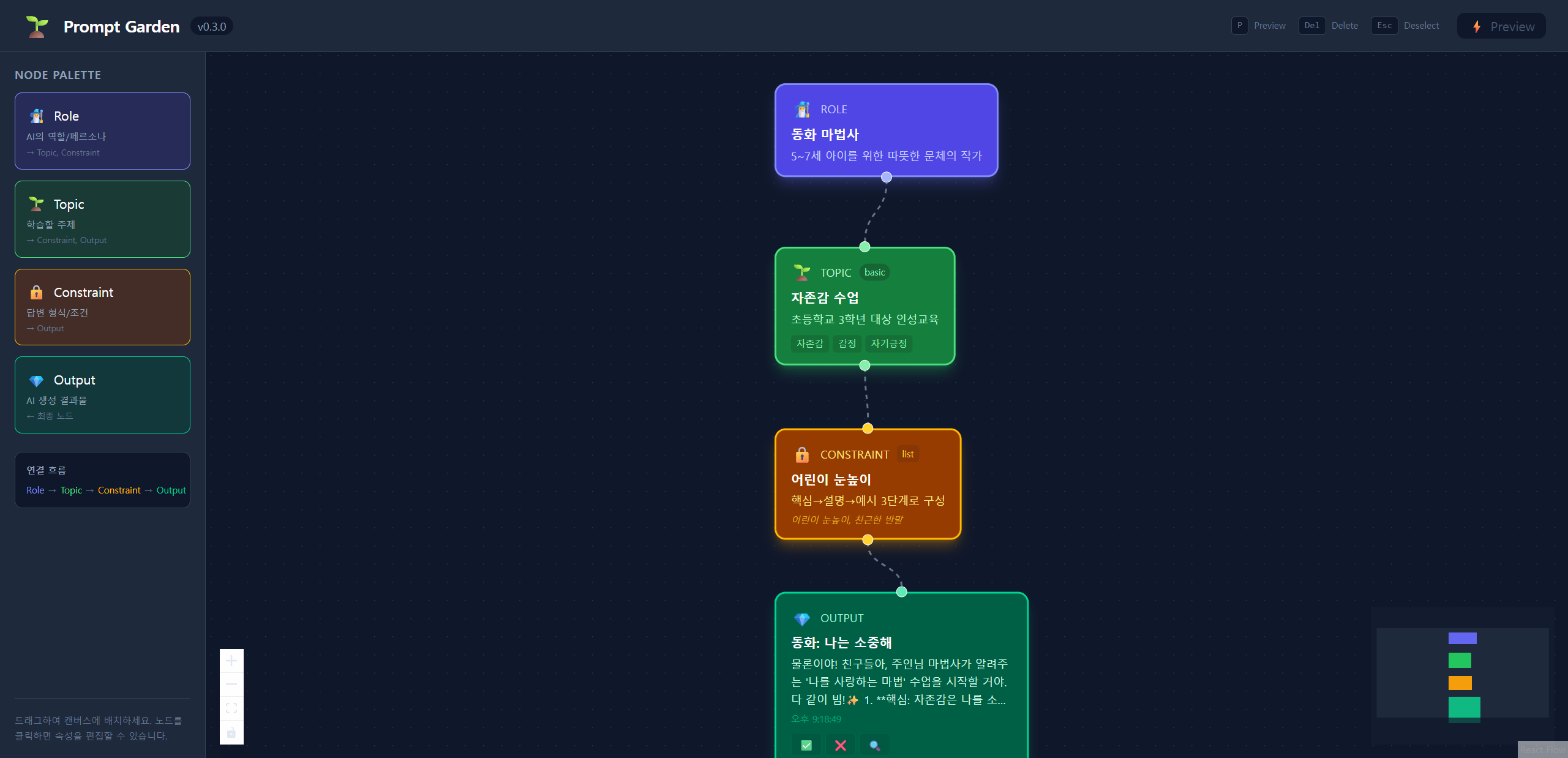
Visual prompt engineering workspace. Build, connect, and test AI prompts with a node-based editor.
The Problem
Prompt engineering is messy. You write prompts in a single text box, iterate blindly, and lose track of what worked. There’s no structure, no reusability, no way to think about prompts compositionally.
The Solution
Prompt Garden lets you build prompts visually by connecting modular nodes — roles, topics, constraints, output formats, and more. Think of it as a visual IDE for prompt engineering.
Key Features
- Node-based editor — Drag, connect, and rearrange prompt components on an infinite canvas
- 6 node types — Role, Topic, Constraint, Output, Context, Evaluator
- Template system — Start from pre-built templates with factory pattern
- Real-time preview — See the assembled prompt update as you build
- Local persistence — All data saved to localStorage, zero server dependency
Technical Architecture
Built with React 19 + TypeScript on Vite 7. The graph engine uses @xyflow/react for the node canvas, Zustand for state management, and Tailwind CSS v4 with custom theme tokens. Everything runs in the browser — no backend, no accounts, no data leaving your machine.
Why I Built This
I was spending hours crafting AI prompts for my other projects. I needed a tool that lets me think about prompts structurally — breaking them into reusable components that I can mix, match, and iterate on visually. So I built one.
Screenshots